How Agree.Solutions works
From sign-up to a signed, certified PDF — in five simple steps.
How do you send a document for electronic signature?
Create a free account, then upload a PDF, Word, or text file — or compose the agreement in the built-in editor. Add each signer's name and email, drag signature, initials, date, and text fields onto the page, and send. Signers open a secure link and sign on any device without an account. When everyone has signed, you both receive the completed PDF, a certificate of completion, and the audit trail.
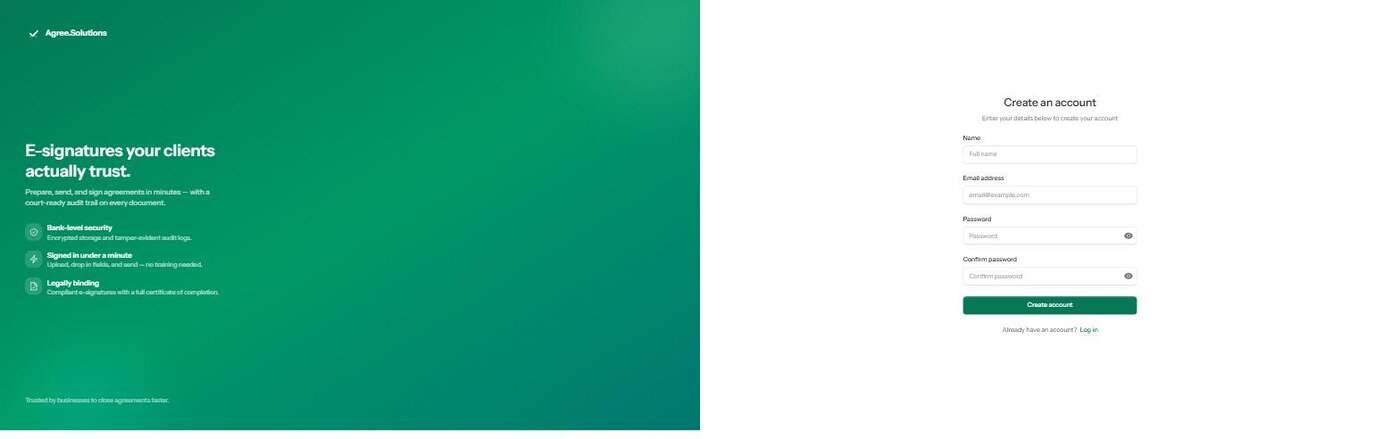
Create your free account
Sign up in seconds, verify your email, and your workspace is ready. No credit card required to start.
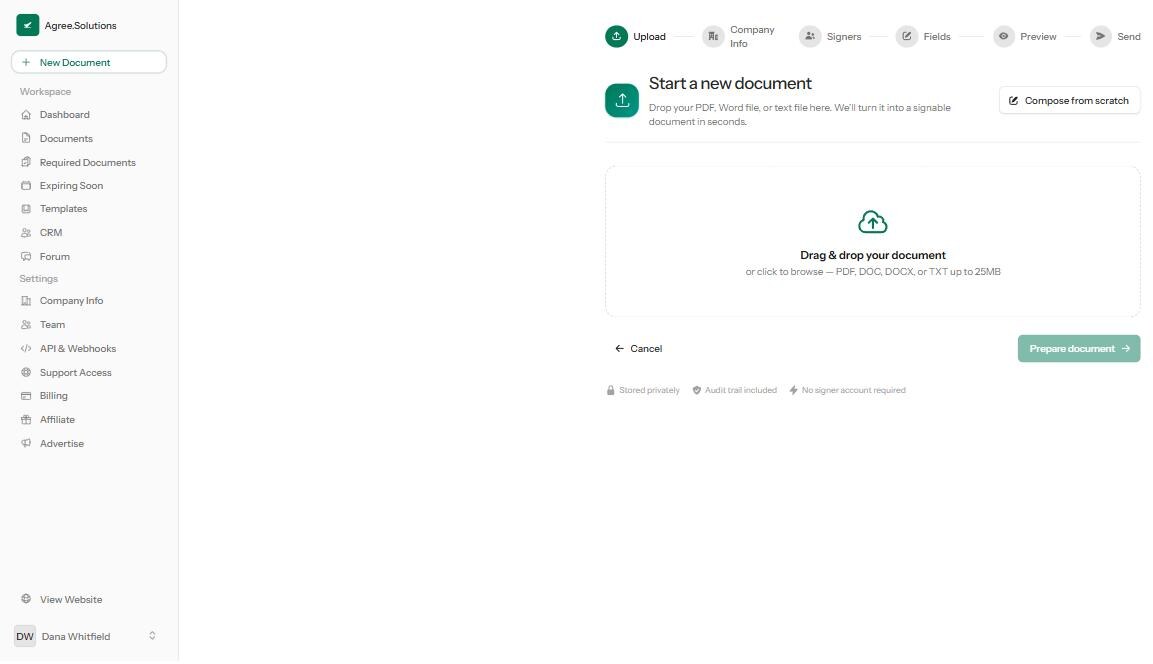
Upload or compose your document
Drag in a PDF, Word, or text file — or compose an agreement from scratch with the built-in editor. We turn it into a signable PDF automatically.
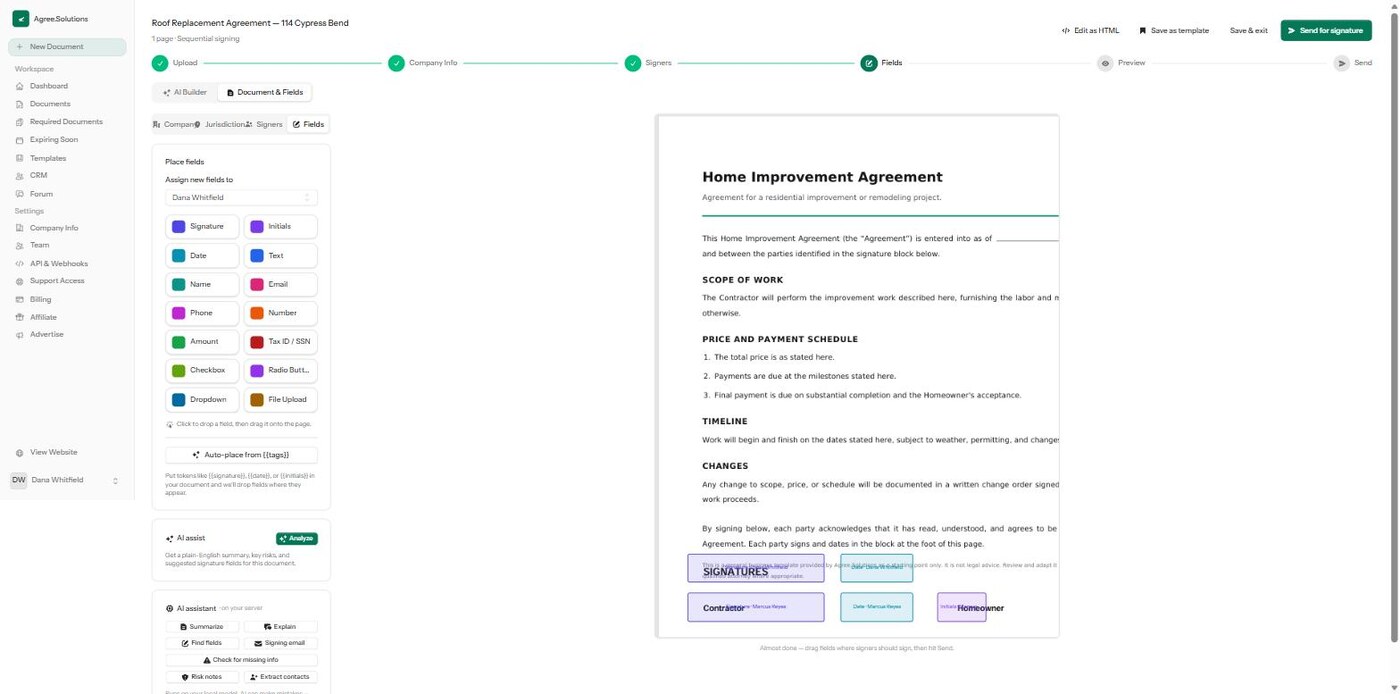
Add signers and place fields
Add one or more recipients, then drag signature, initials, date, and text fields onto the page — colour-coded per signer.
Send for signature
Send sequentially or all at once. Each signer gets a secure link — no account needed — and you can send automatic reminders.
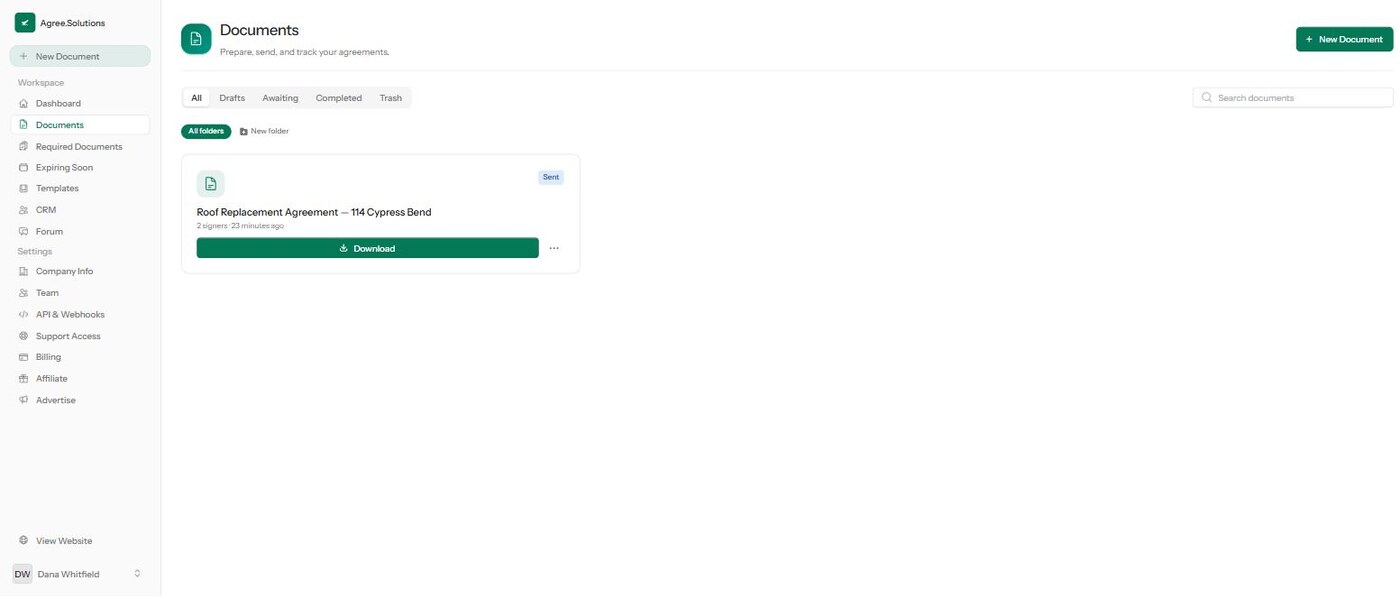
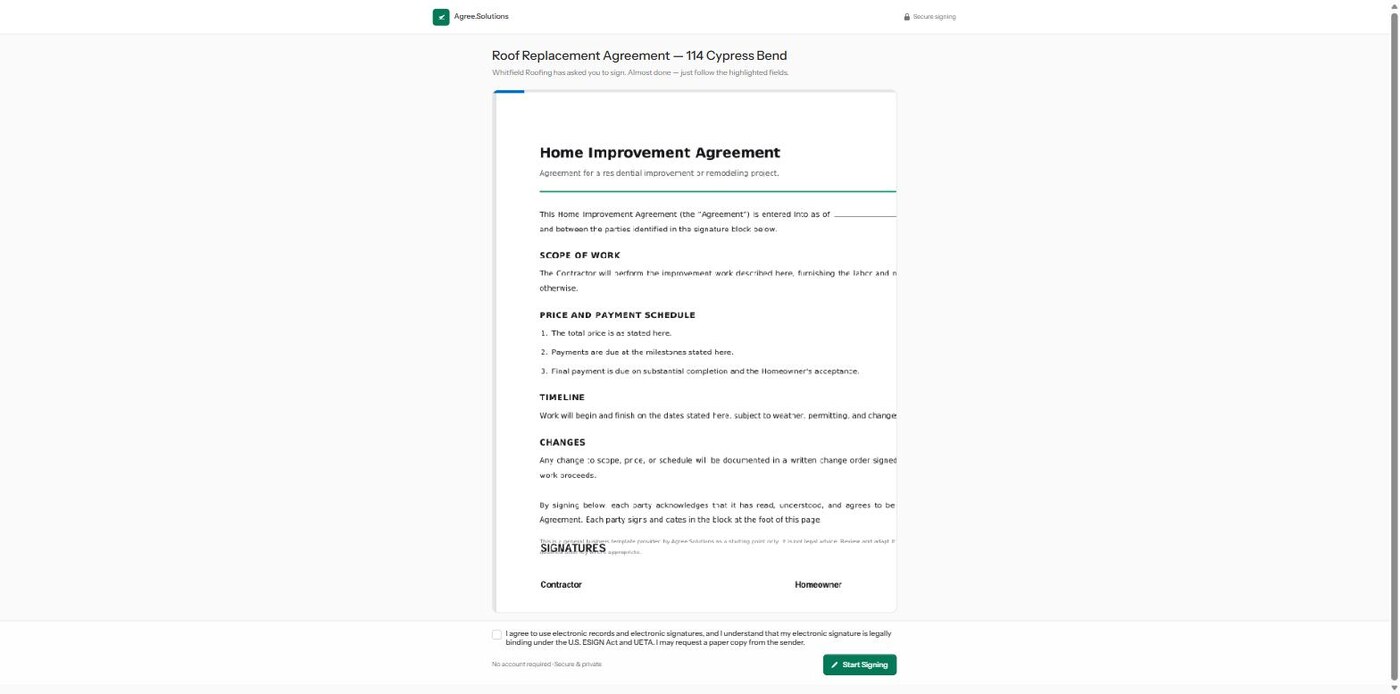
Sign and get your certified PDF
Signers sign on any device. When everyone’s done, you both get the completed PDF plus a certificate of completion and full audit trail.